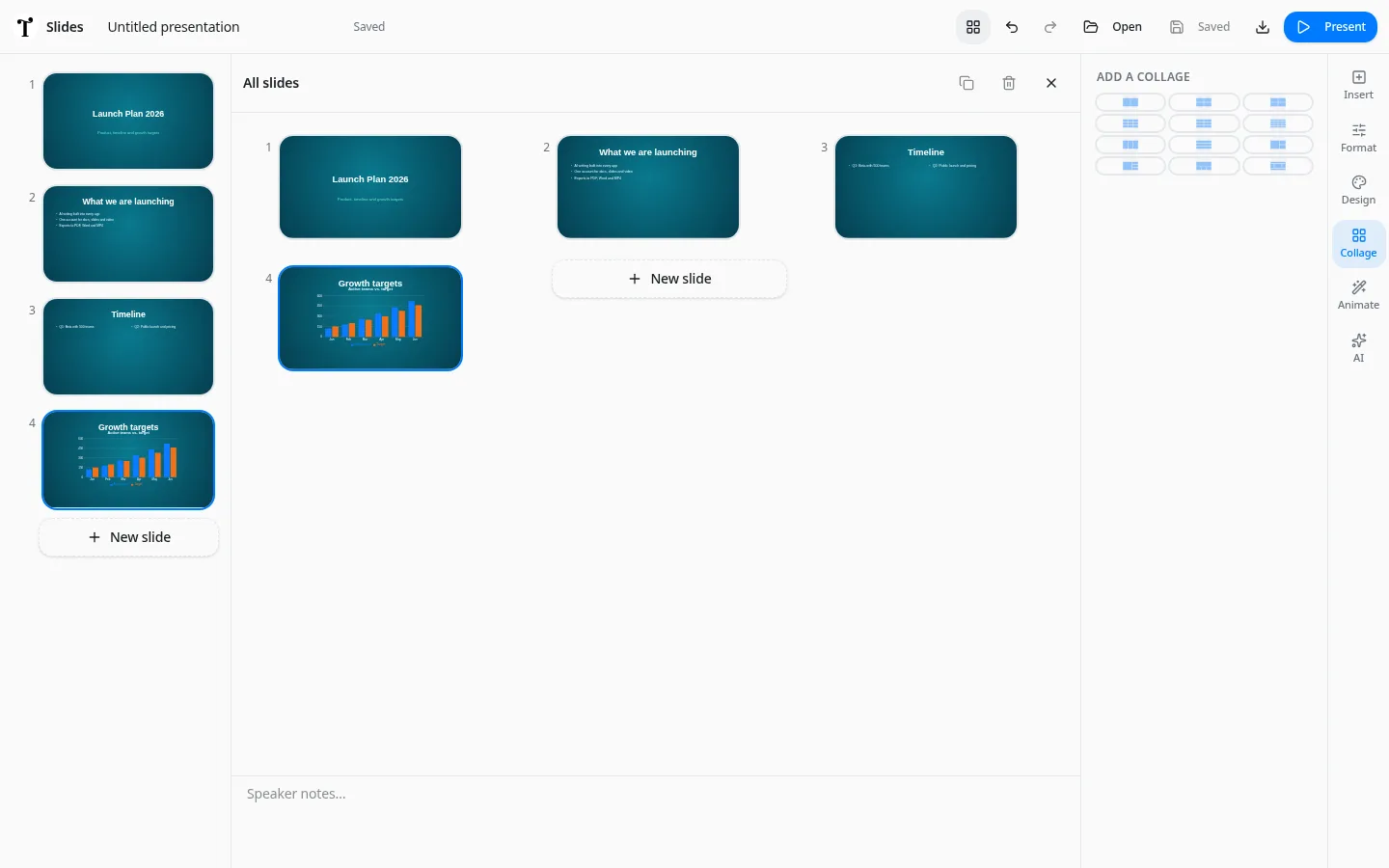
 Typimo
Animations and transitions for your slides
Bring presentations to life with entrance animations for each item and transitions between slides — set them in the Animate panel and preview instantly.
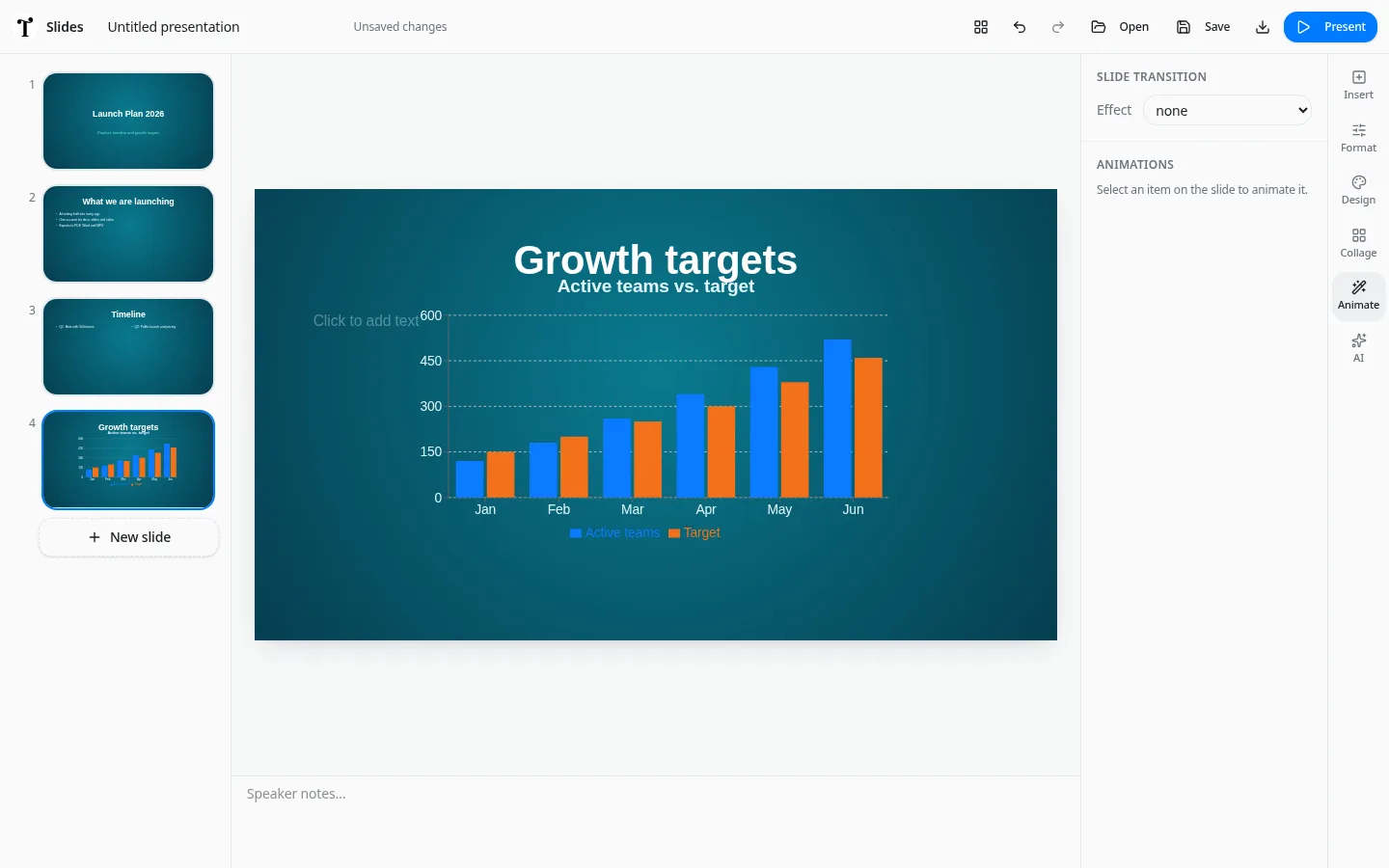
Item animations
Make titles, images and charts fade, slide or zoom in, in the order you choose.
Slide transitions
Pick how one slide moves to the next. Transitions play in presenter mode and stay smooth because they run directly in the browser.